If you know nothing about STUDIO, check out the official site first. There are similar services like Wix and Squarespace, but among them STUDIO has been getting attention as an easy-to-use, domestically-made (Japanese) option.
In my mind, "building a website without writing code" used to mean "not worrying about what's inside the code" — that's how I thought about builders up to now, treating the output HTML as something you just close your eyes to. Positioning elements with position: absolute as the default approach, that kind of thing. (Then again, I don't touch builders much, so my perception might just be outdated.)
But once I actually tried it, it felt much closer to hand-writing markup — you can build while staying conscious of the actual HTML elements — and that changed my perception for the better.
What I built
I built a landing page for a service we're developing in-house.
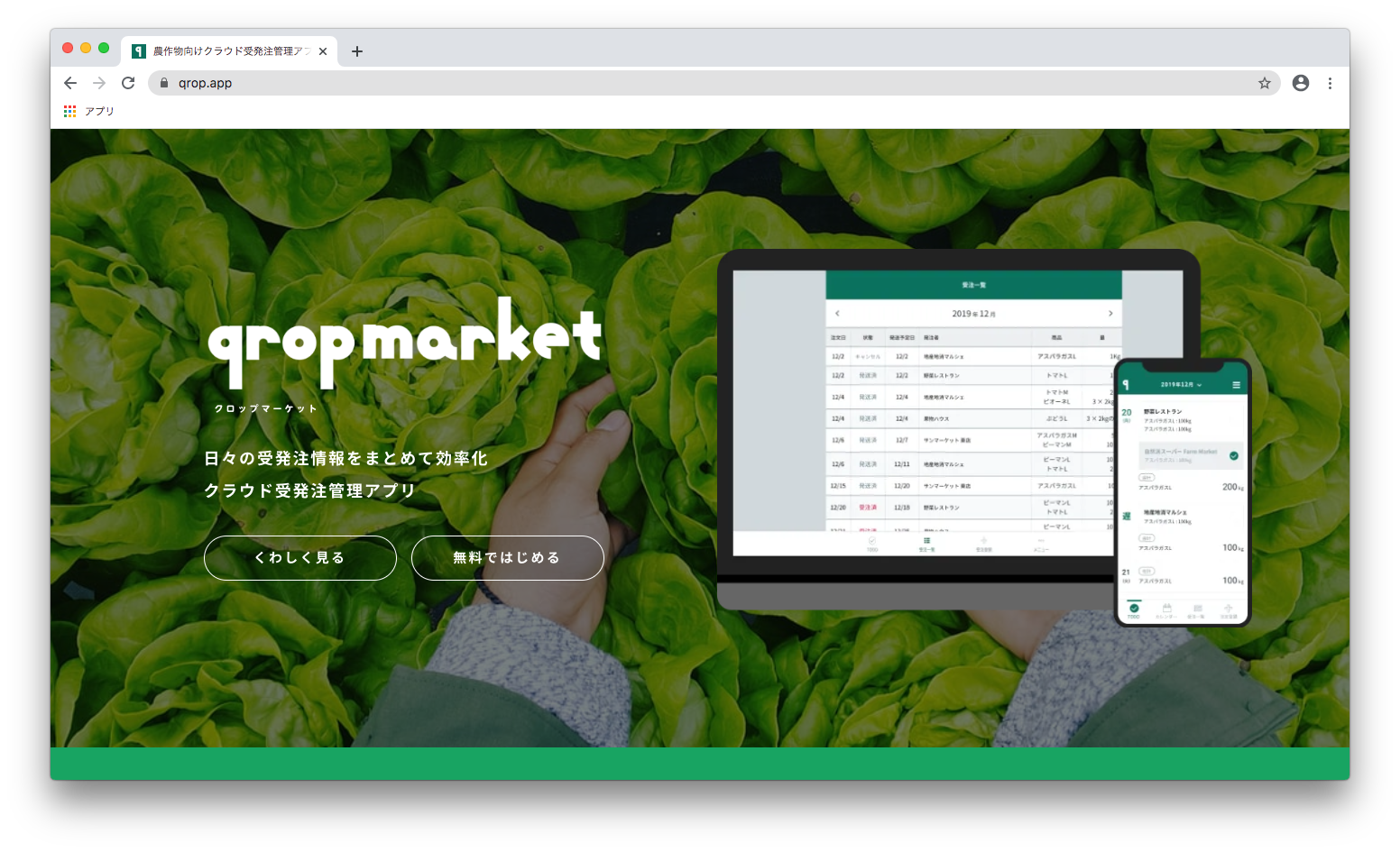
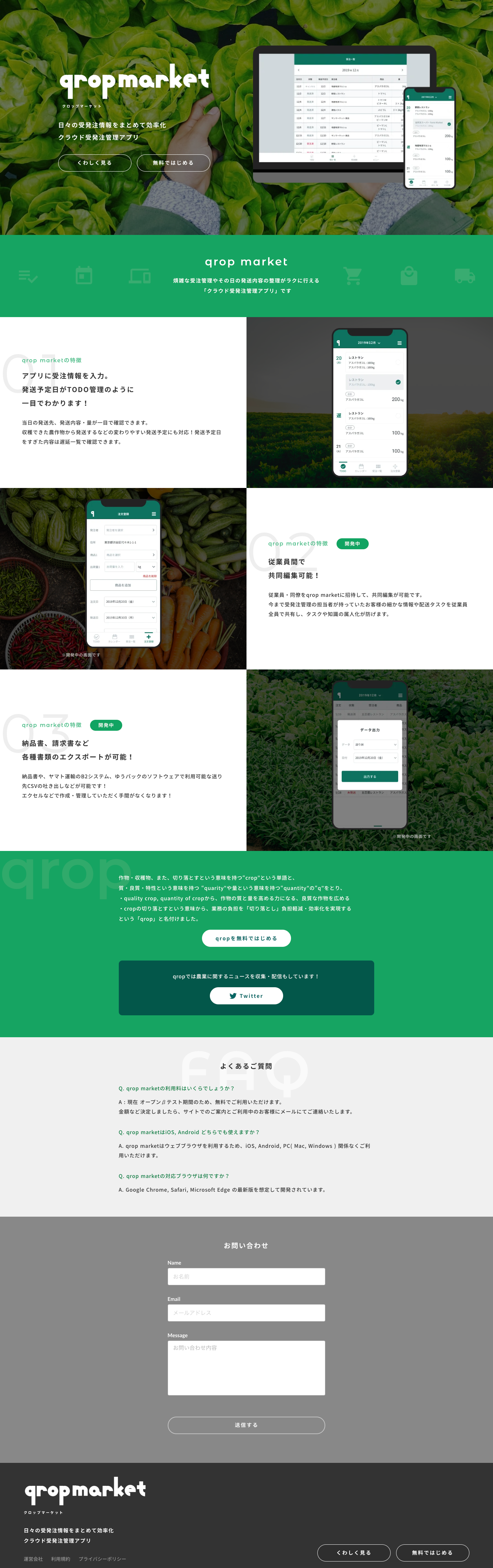
Cloud order management app for farm produce | qrop https://qrop.app/ Here's what the whole thing looks like.
It's a web service that makes ordering farm produce easy. If you're a farmer, please give it a try 👨🌾
Here's a rundown of what I liked while building this landing page.
Things I liked
- You can choose how elements are positioned
- Easy to check responsive behavior
- HTML element structure is visualized
- Plenty of image and font assets available
- SEO settings dashboard is easy to use
You can choose how elements are positioned
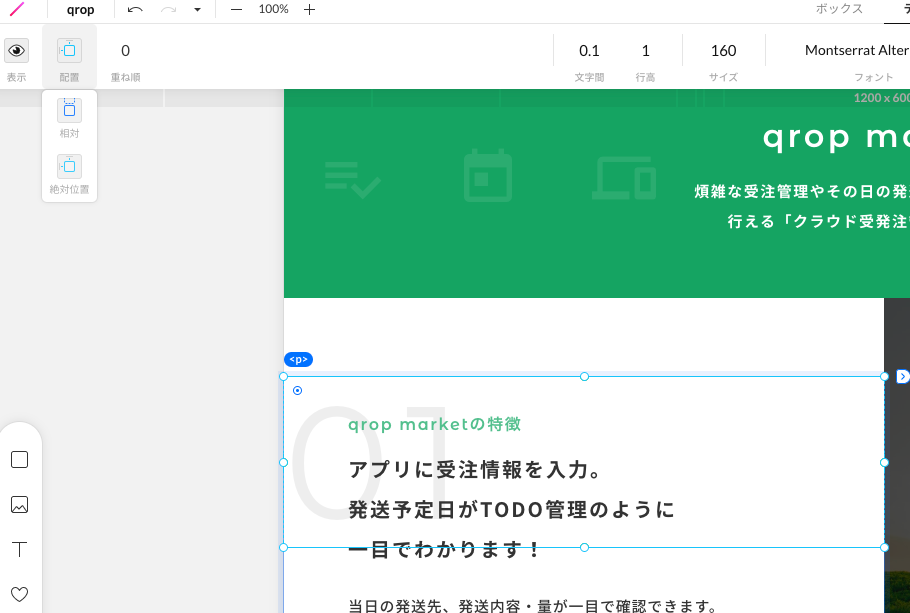
The "01" number is positioned absolutely, while the text is positioned relatively. You can choose whether each element is positioned relatively or absolutely. If everything is position: absolute, it becomes a headache once you start thinking about responsive support. Most of the time you actually want things to adapt as the browser width changes, and with relative positioning it's easier to grasp what's happening in the underlying code, too.
Easy to check responsive behavior
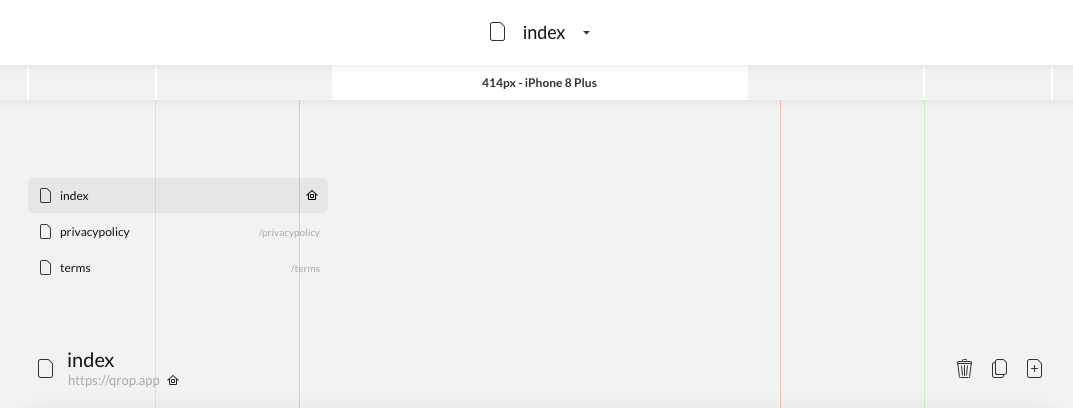
The UI for resizing the screen, similar to Chrome DevTools, is really easy to use. The system where the design you built shows up correctly for each tablet and smartphone size is intuitive and easy to understand, and since the positioning approach follows a flex-like way of thinking, you can build layouts that hold together well without breaking. Being able to hide elements per device is also quietly helpful.
HTML element structure is visualized
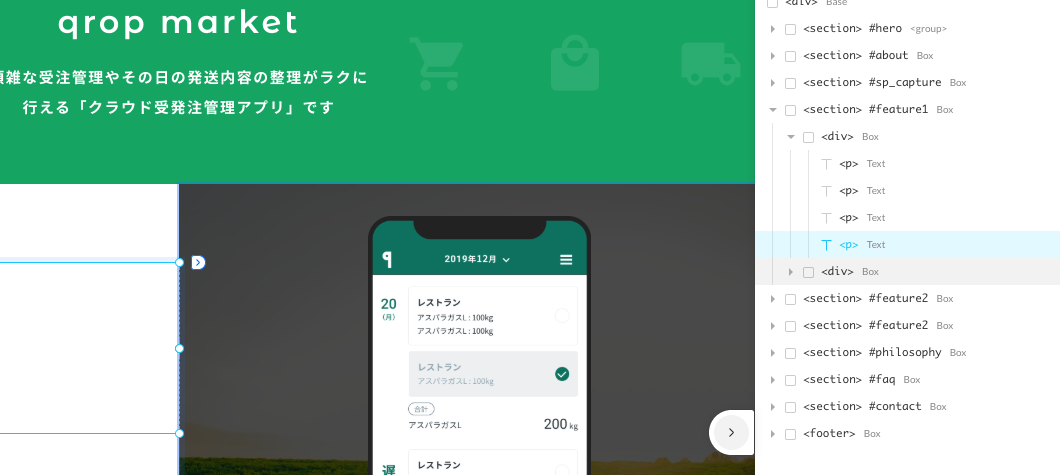
As you nest blocks while building, the structure inevitably gets complex, but since a layer view is shown on the right side, you can keep building while checking the structure. You can also assign IDs, which makes things visually easier to follow too.
Plenty of image and font assets available
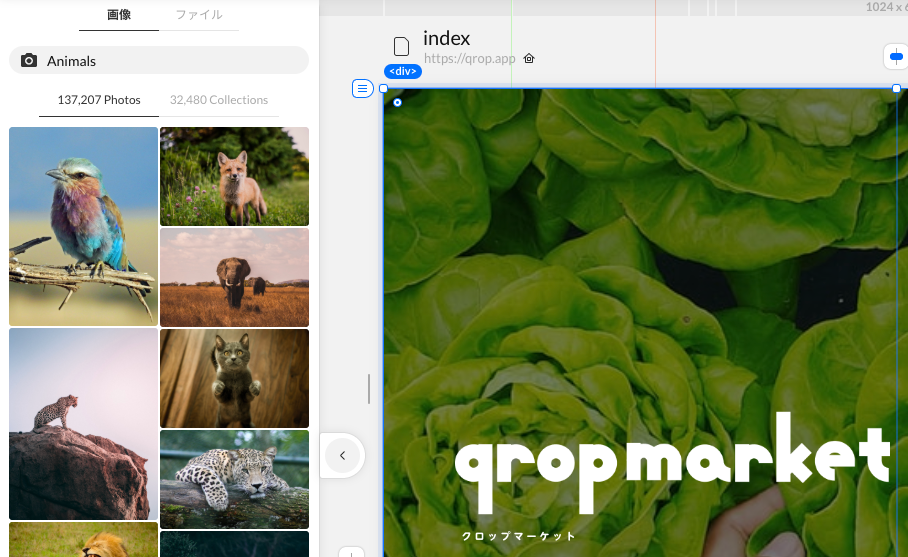
Having so much material available — high-quality images from Unsplash, Morisawa fonts via Typesquare, and more — is a really welcome feature. The Morisawa fonts especially! Just having those available gets me really excited.
SEO settings dashboard is easy to use
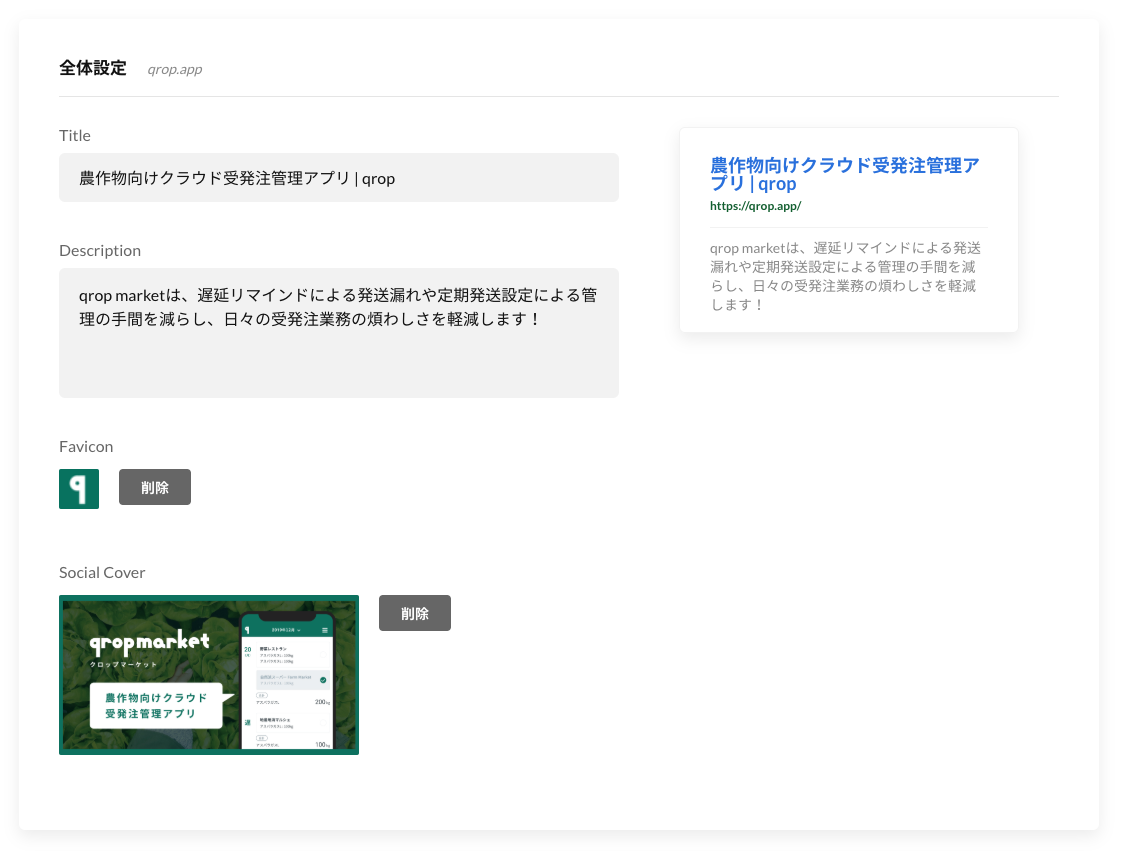
This preview genuinely impressed me. Meta-tag-related stuff often only becomes visible once you actually push to production, so it tends to get put off — but seeing it presented like this really makes you feel like you need to write it properly.
Plenty of other people have already written on note.com and elsewhere about the more obvious selling points, like onboarding, the publishing flow, and ease of editing — so I focused on introducing the points I personally found appealing.
I think it'd open up even more expressive possibilities if you could use negative margins, or assign editing-friendly names to layers instead of just IDs. It looks like CMS functionality is also in development, so I'm looking forward to that.
Building this, I noticed that while STUDIO is designed so you don't need markup skills to use it, having that knowledge probably helps you understand how to use STUDIO even better. The way of thinking — stacking blocks and defining the behavior of the elements they contain — is fundamentally the same as building HTML. It might even be that building designs in STUDIO could help you understand HTML and CSS along the way.
I'd like to stay flexible about how I build things, not just always building from scratch but adapting the approach depending on the purpose. I hope no-code services keep growing in popularity, and that we head toward an era where people from all kinds of backgrounds can create good content — with good design too.