

Preface
Do you use PaaS, SaaS, IaaS, and the like? (I'll refer to these collectively as XaaS below.)
- Wikipedia: Everything as a service
If you're an engineer, you probably write code, push it to GitHub, run tests on CircleCI, and deploy to AWS. Combining XaaS services like this is just a normal part of daily work, I'd think. (The combination of services varies, and this isn't limited to engineers, either.)
Don't you know people who jokingly say, "Well, I guess I can't work today," whenever GitHub has an outage? Or maybe you've had the experience of investigating a bug in your system, only to find out it was actually an outage or scheduled maintenance on some XaaS.
When an outage occurs in an XaaS you rely on, it obviously disrupts your work, but if you're not aware of it, you might also end up chasing the wrong root cause entirely.
For example, this blog manages its articles with Contentful, so something like "The blog is down!" → "Maybe something's wrong with the code?" → "Nothing looks wrong..." → "Oh, it was a Contentful outage" could happen.
In other words, I think being able to quickly and accurately grasp information about outages or upcoming maintenance for the XaaS you use is an important concern for system administrators and developers.
What I did
As a prerequisite, the XaaS needs to run a Twitter account (official, or unofficial if trustworthy) that shares outage and maintenance information, and you need to have IFTTT and Slack available.
Also, the approach introduced here is a simplified one, so if you want to do this properly, please consider other methods.
Adding an Applet in IFTTT
First, connect your Twitter and Slack accounts in IFTTT beforehand.
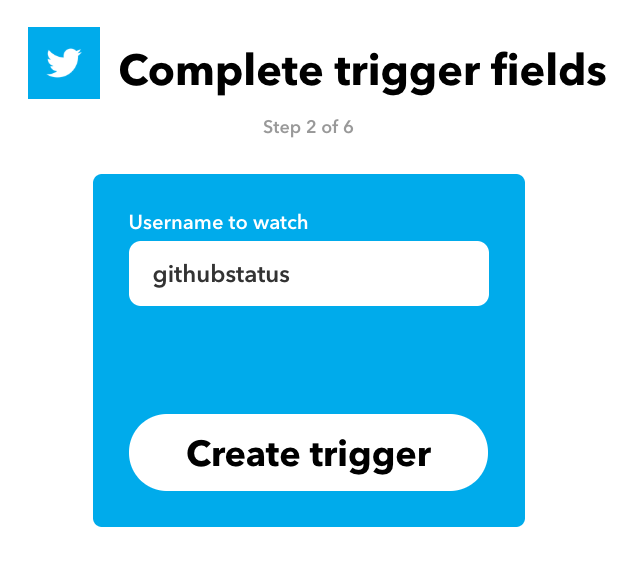
From the Applet creation screen, choose Twitter's "New tweet by a specific user" as This, and enter the account of the XaaS you're interested in.
For example, for GitHub there's @githubstatus, so enter githubstatus.
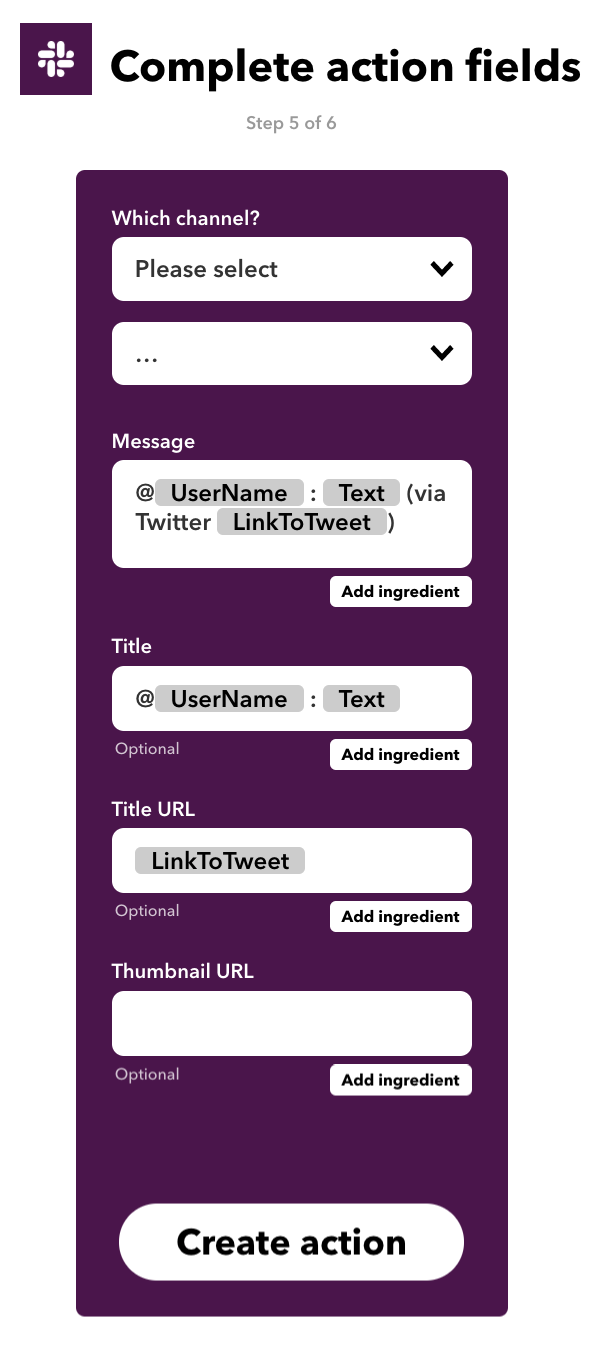
Next, choose Slack's "Post to channel" as That, and specify the channel where you want notifications sent. You can customize the notification content, but leaving it as-is for now is fine, too.
Once you've finished the settings above, save it.
Receiving notifications
After that, whenever the account you're following tweets, a notification will arrive in Slack.
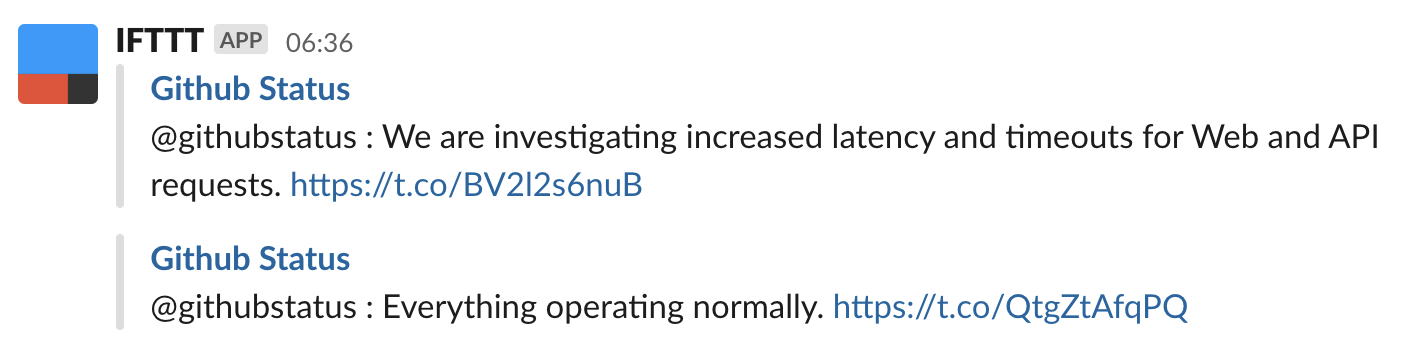
When an outage occurred the other day, this is the kind of notification that came through.
Summary
With this, even though it's a simplified approach, we're now able to keep track of XaaS outages via Slack.
If IFTTT, Twitter, or Slack itself is down, this method won't work, so if you want stricter monitoring, I'd recommend other methods.
Also, feel free to use other events for This, and That doesn't have to be Slack either—mix and match as you like.


